I run a business or work on a team
Download the app, sign in with your existing member account and pick your shop.
 Ellyvalo
ELLYVALO App · For businesses and teams
The management app for owners and authorized team members: bookings, team leave and shop notifications on your phone. Same account as the web member area.
Download the app, sign in with your existing member account and pick your shop.
No app or account needed. Open the website or booking link your business shared, then pick a service and time.
See example business websites →Download ELLYVALO for iPhone, iPad and Android.
iPhone · iPad


Compatible Macs with Apple silicon (M1 or later) can use the iPhone and iPad app with the same account and shop data. Check App Store compatibility for system requirements.
Search for ELLYVALO in the Mac App Store, then choose “iPhone & iPad Apps” in the search results.
Other Macs can use the web member center →Android phones and tablets


Download availability is shown by each store. Plan purchases, payment methods and prices depend on your region and the purchase confirmation screen.
No member account yet?Get startedOpen the web member area →
Check bookings, team leave and shop notifications from your phone. Every plan includes the app. Booking features follow your plan; team leave and clock-in are included in Professional.
App interface · sample data
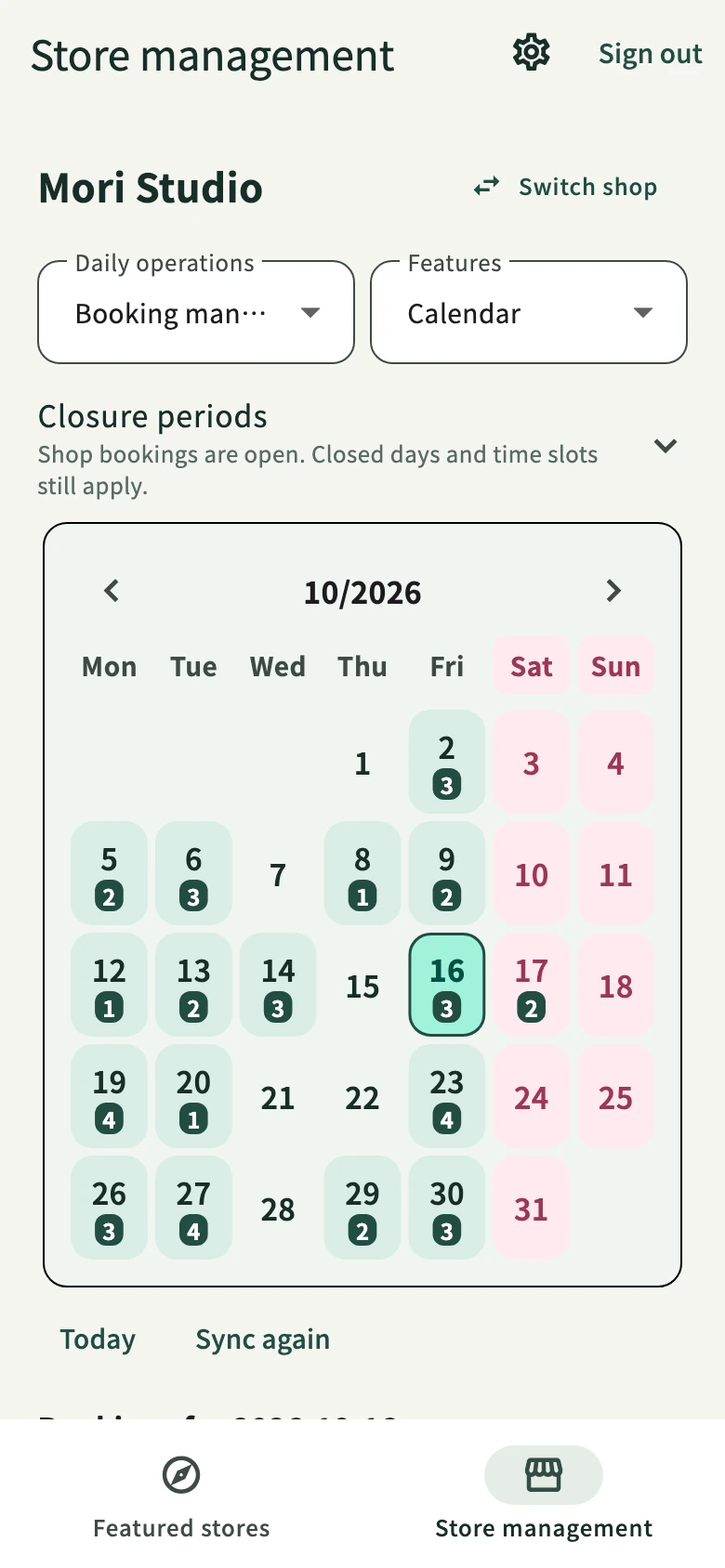
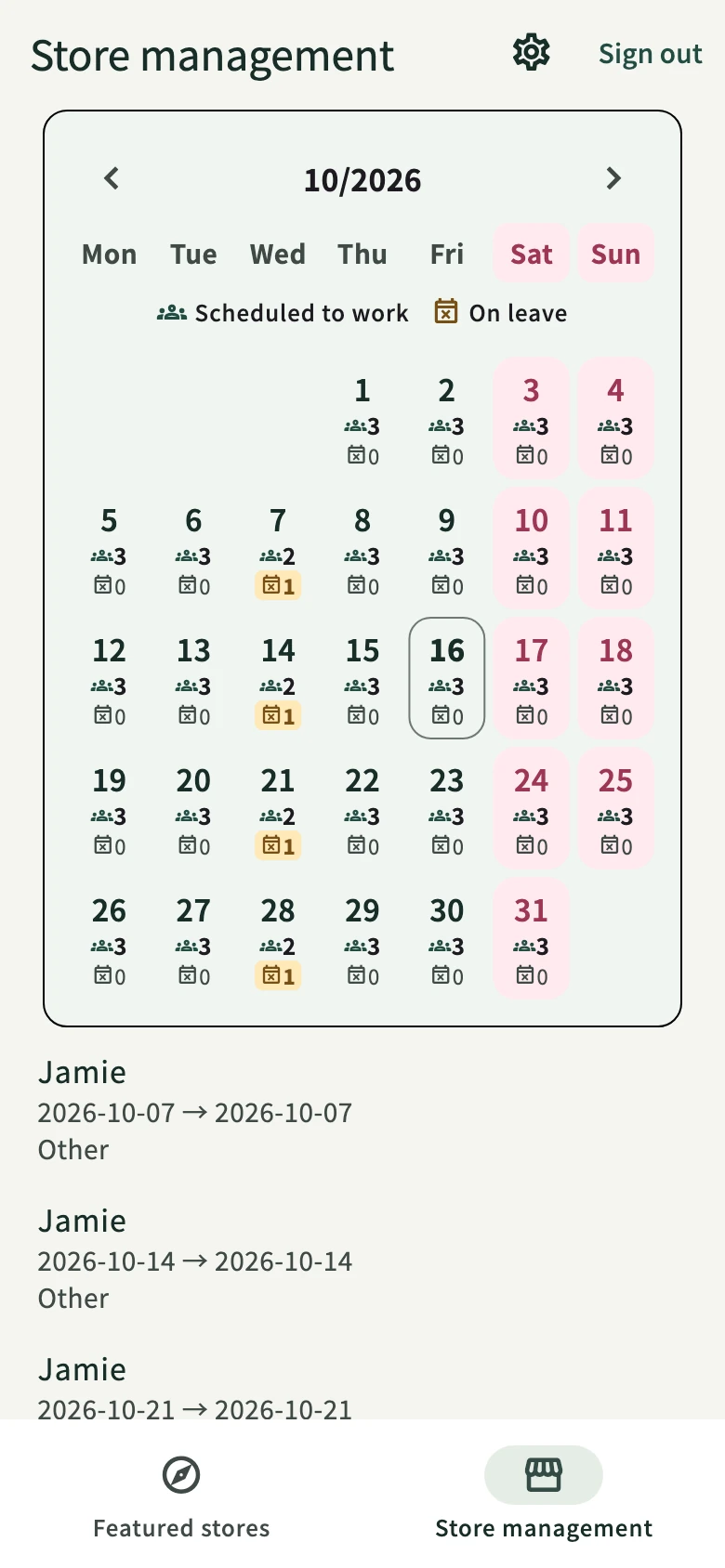
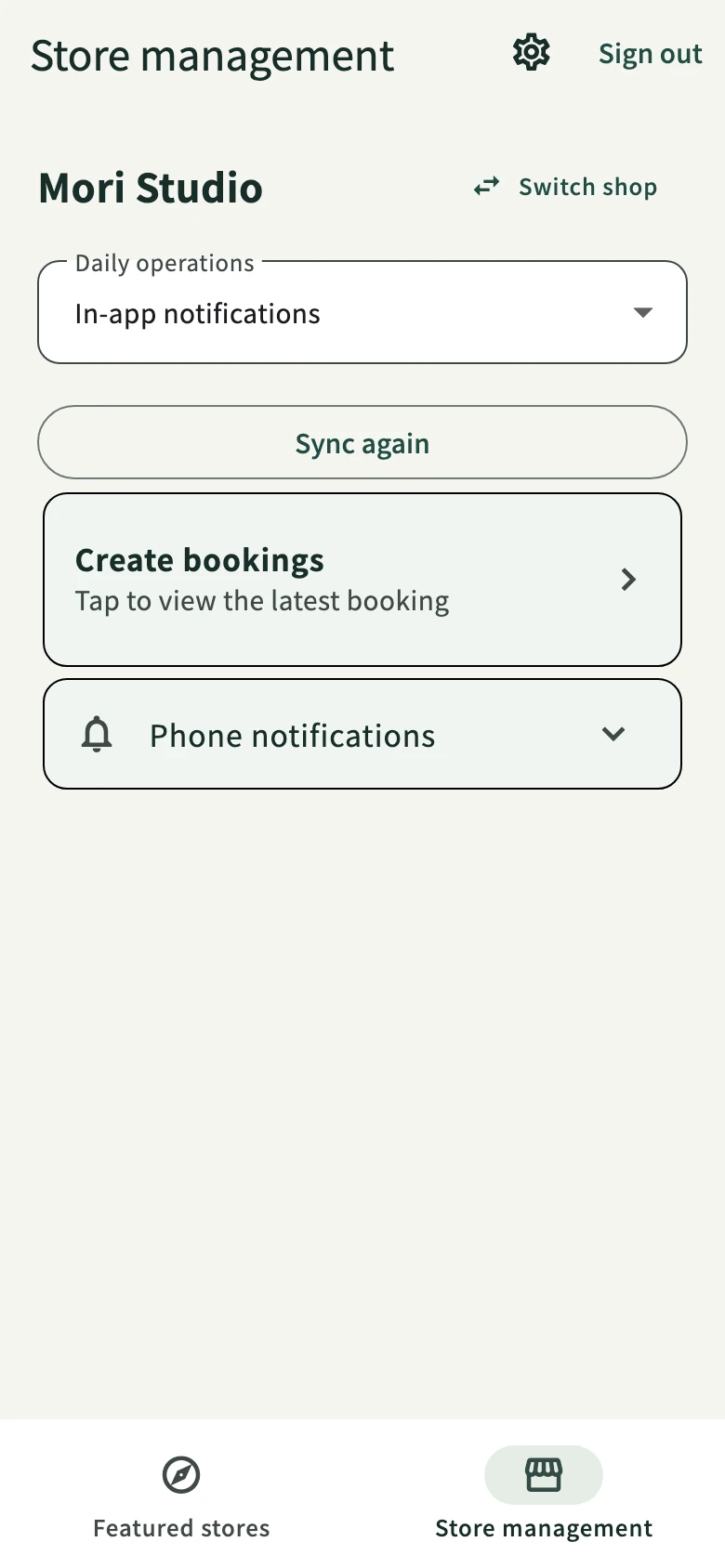
Member shops that consent to public display and meet listing criteria can join the app’s featured shops at no extra exposure charge.
Discovery flow: Featured Shops → your brand website.
No. Customers browse and book on your business website without downloading an app or creating an account.
On plans that include team features, team members sign in to the same app with their own accounts, based on the owner’s permissions.
The plans are the same. In-app purchases follow Apple and Google rules and regional availability; prices and terms are shown on the purchase confirmation screen.