
Get your shop online, one step at a time.
Follow actual current Web screens and the new App interface, one step at a time.
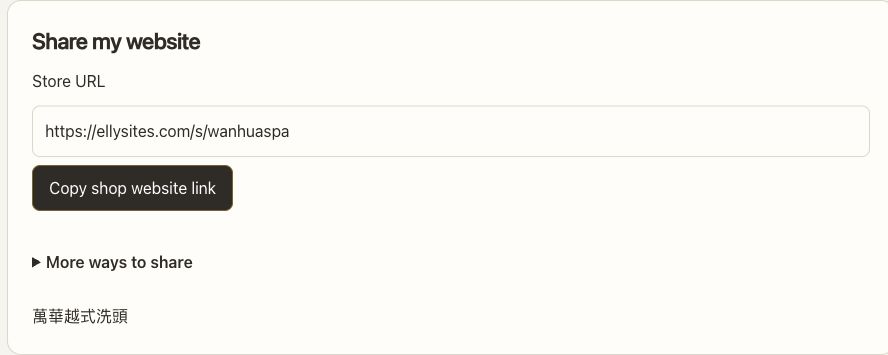
Five stages, from zero to live
Finish them in order and your shop is ready to share. Every lesson also works on its own.
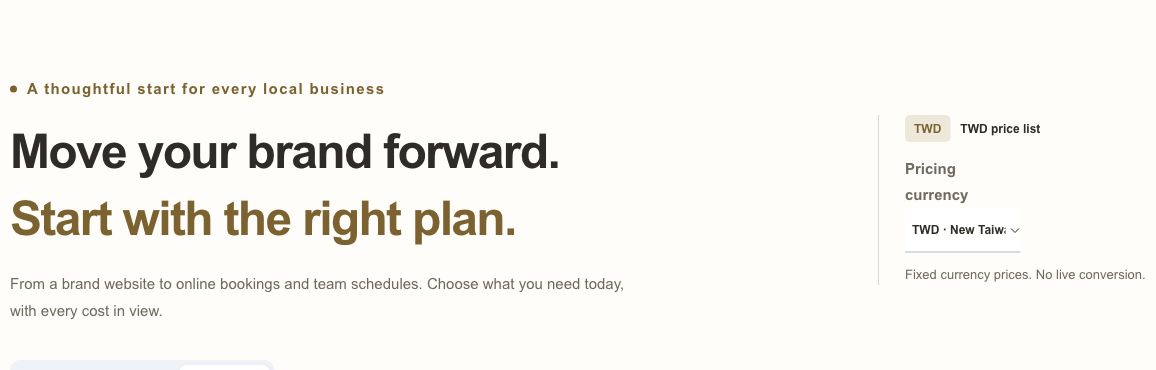
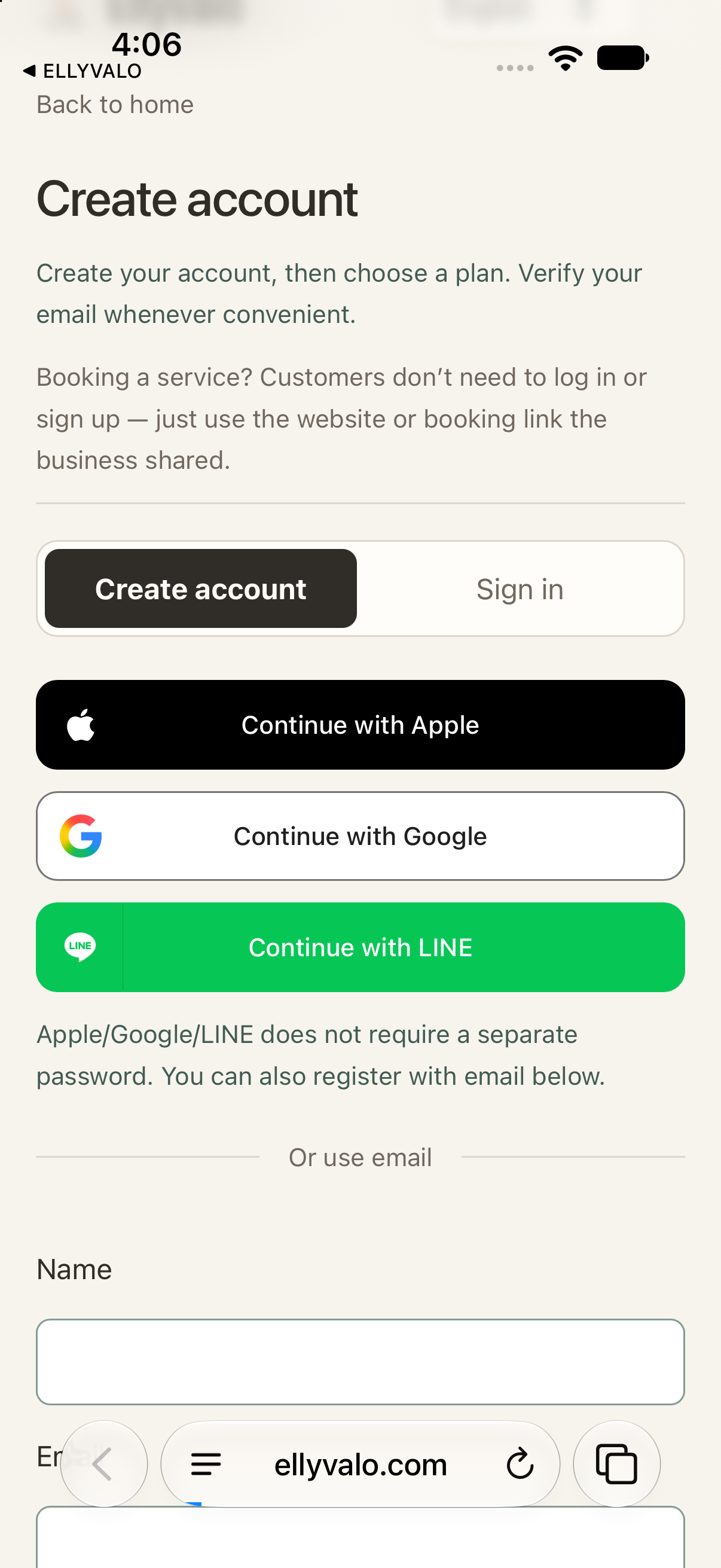
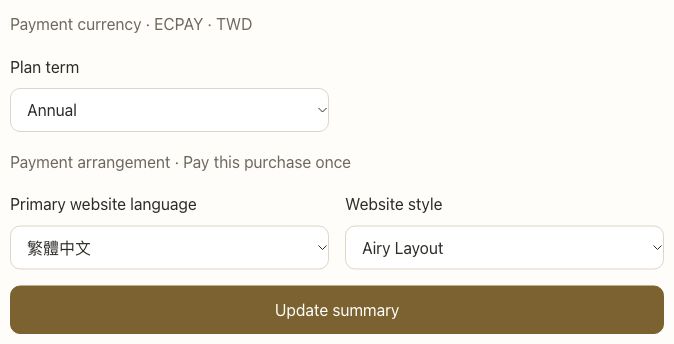
Things you'll do once you're live
Open a category to find what you need.
Share your website, social & search5
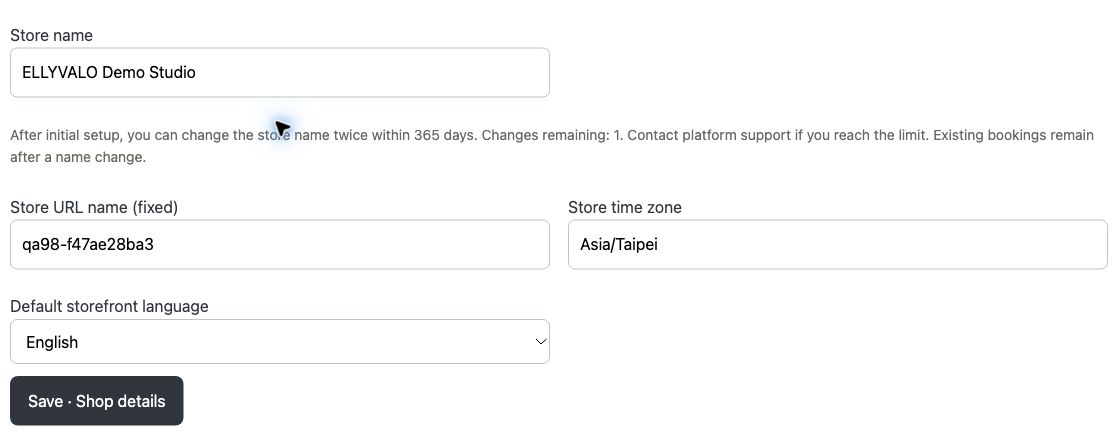
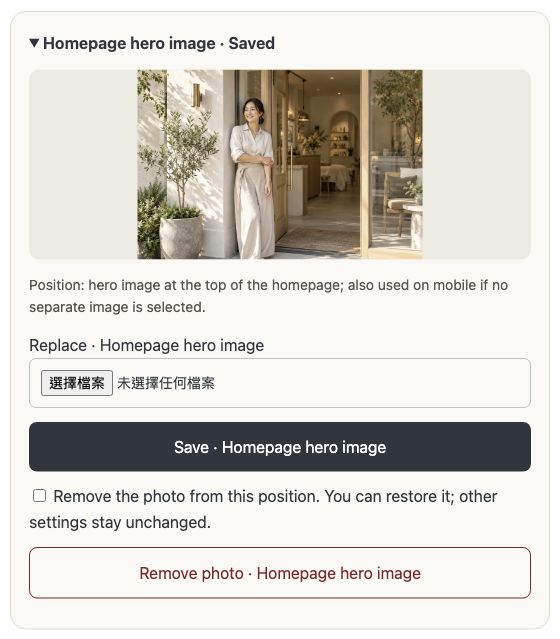
Shop info, brand story & logo2
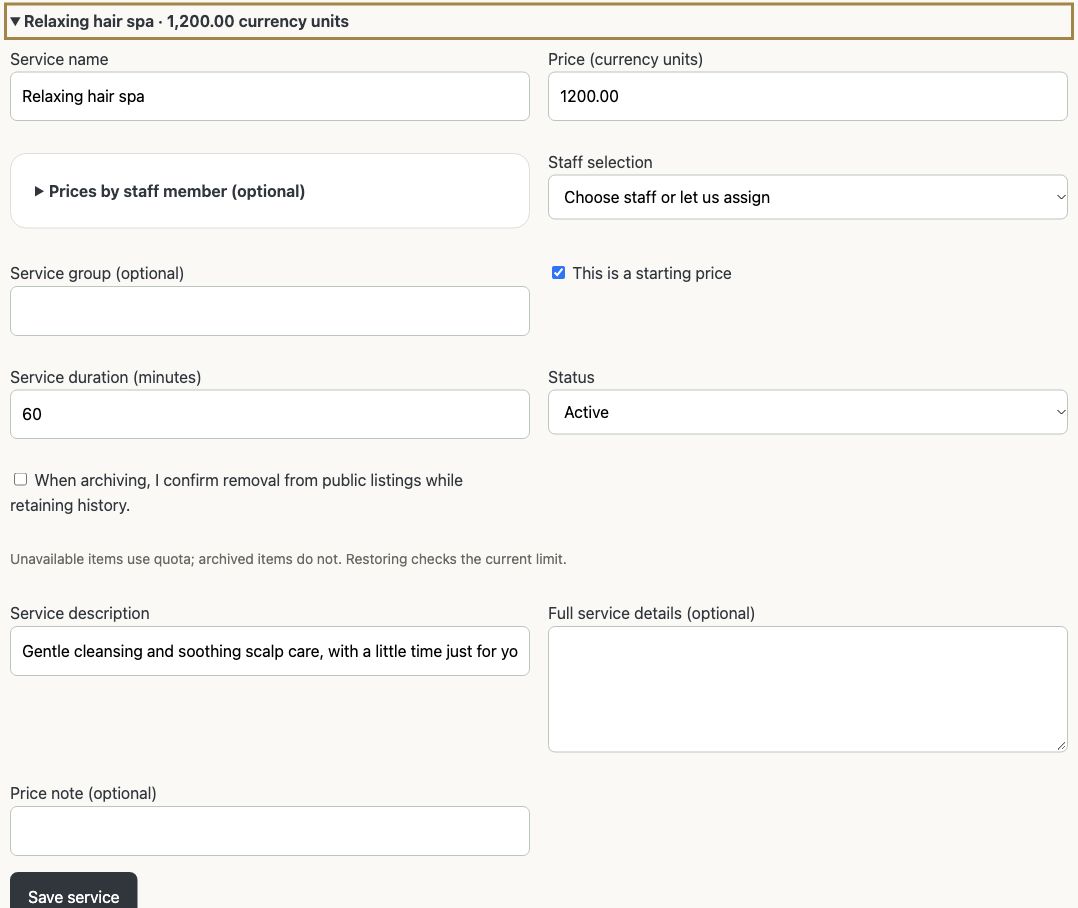
Services & menu1
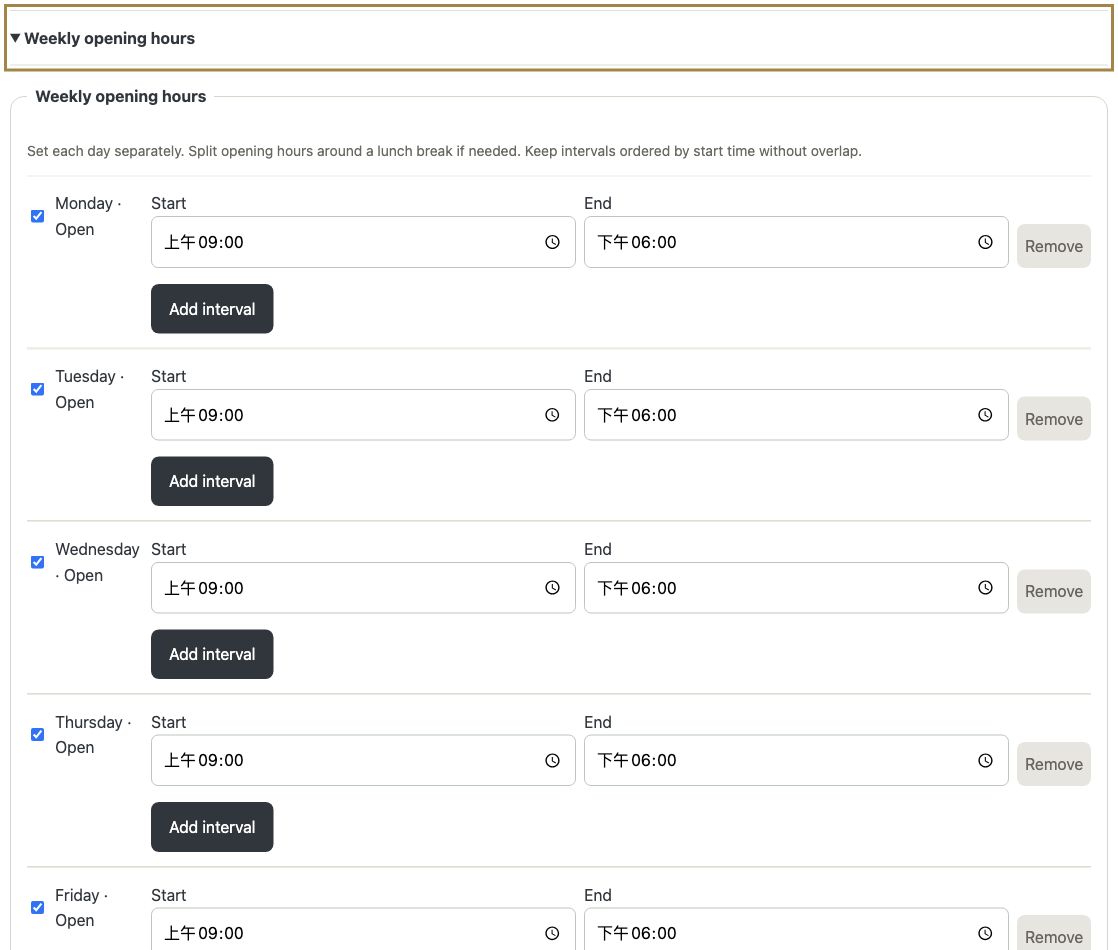
Hours, capacity & days off2
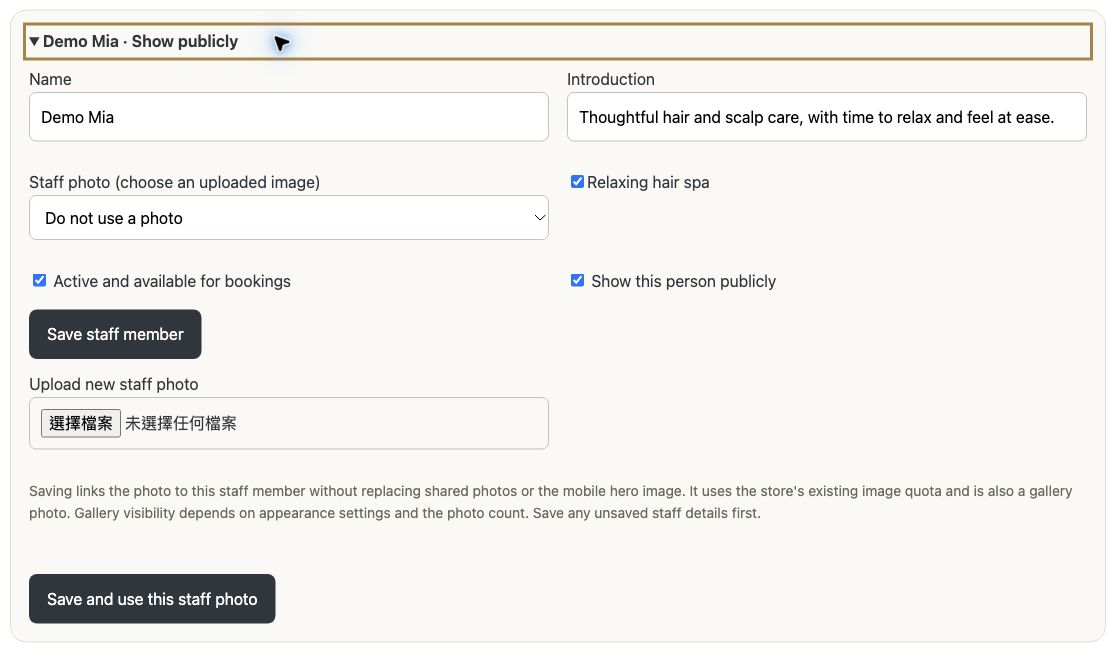
Staff, permissions, schedules, leave & clock-in2
Before you get started
What does a business website do for me?
Absolutely! Turn every introduction into a visit to your own website. Share services, photos, location and contact details through Google Business, social media or LINE. Customers can explore, call, message or book online. Search-friendly page structure also gives your services more opportunities to be discovered.
Can customers book through LINE?
Yes. Start by adding your shop website link to your LINE Official Account rich menu or a regular LINE message. Customers can explore your brand and services, then use the website's booking button if your plan includes online booking. For a dedicated "Book now" area, a direct booking link is also available with Simple Booking or Personnel Booking. Customers do not need to download an App.
What about customers who prefer to call or use LINE?
Offer phone and LINE contact options so customers can reach you in the way they prefer. Use an appropriate booking plan when you want online reservations. Every customer does not have to follow the same contact method.
Can international customers understand my services?
Use the languages enabled for your store to present services and booking information. Content is managed in one place; available languages follow your store’s entitlements and published content. Eligible new stores can also receive the current year-end language gift.
Can I manage the business on my phone and share work with staff?
All three plans include the App for managing your shop. Simple Booking offers capacity-based reservations. Personnel Booking also lets you switch to staff selection and includes team accounts, leave and clock-in, with individual permissions. Personnel Booking gets priority access to future features and plan upgrades at no extra charge.
Can I try it for 14 days? Will I pay upfront?
Try it in your daily routine! Eligible PayPal, Apple or Google subscriptions include a free 14-day trial, then auto-charge the confirmed amount. Cancel by the provider’s deadline (Apple: at least 24 hours early). Only a new eligible ECPay first order with no prior trial of that plan offers a 14×24h satisfaction refund from first cash receipt, via the original order. Each member’s plan trial is shared across Web/App; used trials pay directly. Checkout shows today’s and renewal charges.
Can I start monthly and save the setup fee?
Yes! Simple Booking and Personnel Booking offer monthly or annual billing. A valid referral code, yours or someone else’s, waives the initial setup fee for new or existing shops, whether or not you have used a trial; monthly plans qualify too. Business Page has no setup fee and offers the applicable annual referral discount. Existing orders and agreed recurring amounts are not rewritten. Check your discount and next charge before confirming.
Can I update the description in other languages by editing it once?
You can use the platform’s AI-assisted translation workflow. Maintain the main content, and the system will process enabled languages on a schedule, reducing the need to edit the same description repeatedly. Once complete, you can view it on the corresponding language page. The existing content remains available while processing.
How do I keep up with new bookings?
Enable the available notifications, then open your workspace to see the customer, service and time. Manage notification connections and recipients in your store settings to keep the right people informed.
Can I stop taking new bookings when I am busy?
Yes. Use booking controls, days off and available times to manage new bookings while keeping existing appointments in view. Stopping new bookings does not pause subscription billing.
Are there other ways to get discovered?
Eligible stores that choose public exposure can appear in the platform’s available store-discovery and App features, alongside the public links they share themselves.
Can I update my website without coding?
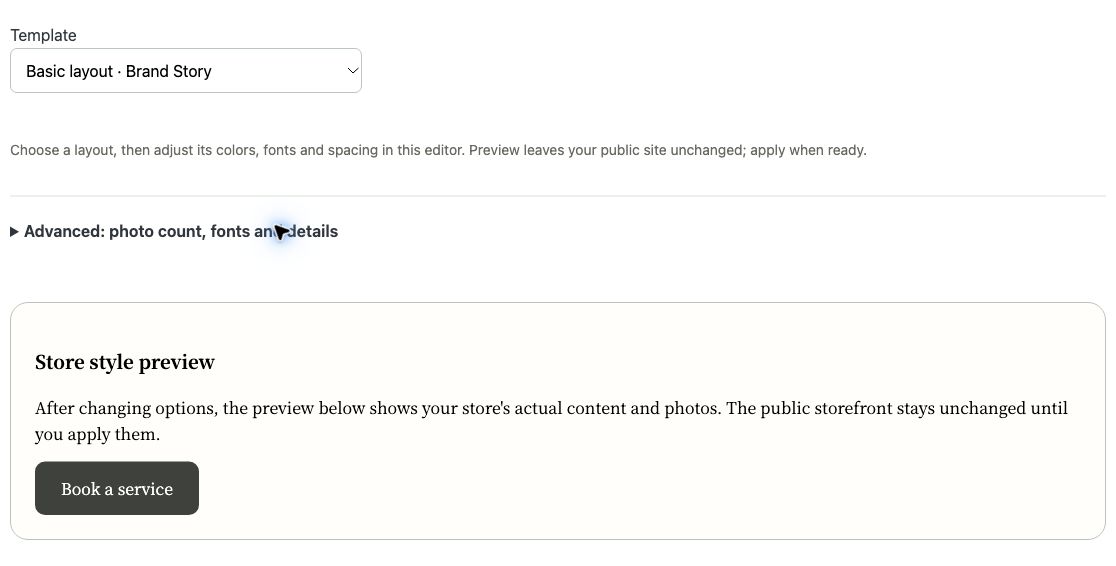
Yes. Update services, photos and business information from your workspace, then choose an available appearance and save. Keep daily content in your hands without commissioning a website change every time.
Can I start without writing skills or great photos?
Yes. The AI setup assistant reuses your store details to help draft your introduction and service descriptions. Take or upload real photos for enhancement, or describe an idea for an illustrative image. Review the result before applying it to your site.
Can I keep using AI after my website is published?
Yes. With an active trial or main plan, use your remaining monthly allowance to refresh content. Preview and confirm before updating your site. You stay in control of prices, durations, bookings and payments. Check your store for monthly usage limits.